
Imagine your home network being compromised by a phishing attack, where you unknowingly provide your banking credentials through a fake email. This scenario isn’t far-fetched; it highlights the vulnerabilities many face in their digital environments. Understanding the various attack types—like malware infiltration and DDoS assaults—is essential. What specific measures can you implement to safeguard your network from these threats? The answer lies in a thorough understanding of each attack vector and effective countermeasures.
Home Network Security Basics
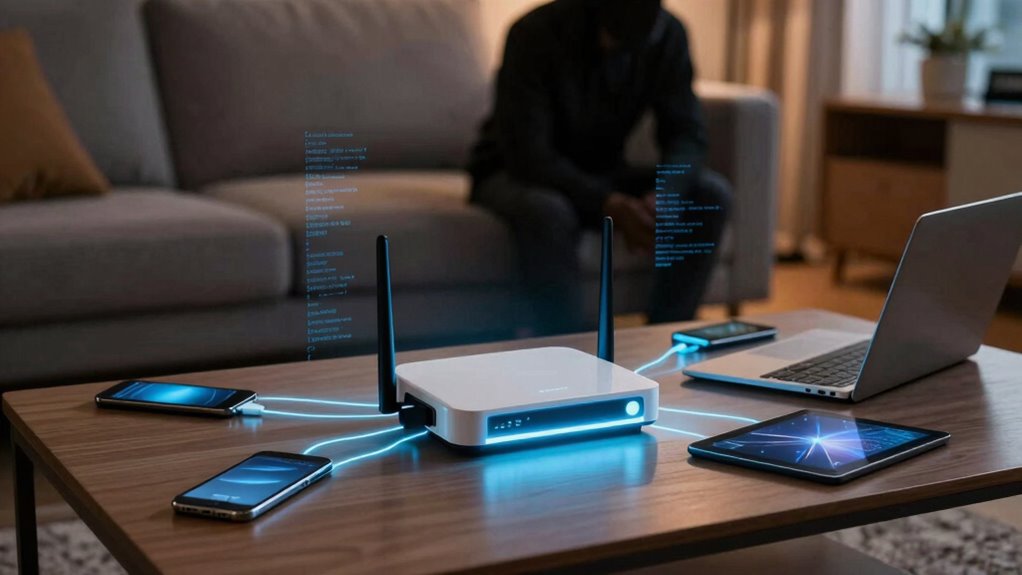
When you set up your home network, understanding the fundamental security measures is vital to protecting your devices and data.
Start by implementing network encryption, which secures your data during transmission, making it difficult for unauthorized users to intercept sensitive information. WPA3 is the latest standard and offers enhanced protection compared to its predecessors.
Next, configure your firewall settings. A properly configured firewall acts as a barrier between your internal network and external threats, monitoring incoming and outgoing traffic.
Regularly review these settings to confirm they align with your security needs. By prioritizing network encryption and firewall configurations, you create a robust defense against potential attacks, empowering you to enjoy internet freedom without compromising your security.
Understanding Phishing Attacks in Home Networks
Phishing attacks are among the most prevalent threats targeting home networks today, with reports estimating that over 90% of cyberattacks begin with a phishing attempt.
These attacks exploit social engineering to manipulate you into divulging personal information or credentials. Common phishing techniques include deceptive emails, fake websites, and SMS phishing, all designed to create a sense of urgency or fear.
Phishing attacks rely on social engineering tactics to trick you into revealing personal information through urgency and fear.
For instance, you might receive an email that appears to be from your bank, prompting you to verify your account details. Recognizing these tactics is essential; the more you understand their methods, the better you can protect yourself.
Always scrutinize the sender’s address and avoid clicking on suspicious links. Your vigilance is key to maintaining your freedom in a connected world.
Avoiding Malware Infiltration on Home Networks
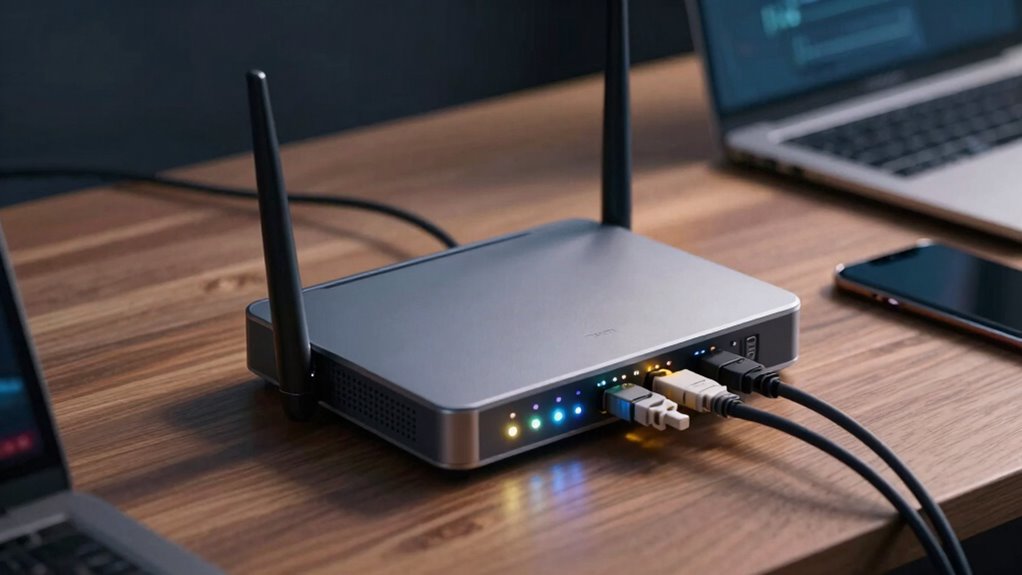
To effectively avoid malware infiltration on your home network, it’s essential to implement a multi-layered security strategy.
Start by installing robust antivirus software that automatically updates to combat emerging threats. Regularly scan your devices for vulnerabilities, as timely malware prevention can thwart potential attacks.
Make sure your router’s firmware is up-to-date; outdated software can serve as an entry point for malware. Additionally, utilize firewalls to monitor incoming and outgoing traffic, thereby restricting unauthorized access.
Educate yourself and your family about safe browsing habits and the dangers of downloading unverified software.
Finally, regularly back up your data; this safeguards against potential data loss should malware breach your defenses.
DDoS Attacks: A Threat to Home Networks
While many home users focus on protecting their networks from malware, they often overlook the looming threat of Distributed Denial of Service (DDoS) attacks.
These attacks can overwhelm your home network, rendering it unusable and disrupting your online activities. To safeguard your network, implementing effective DDoS mitigation strategies is vital.
Techniques such as rate limiting and traffic filtering can help manage incoming requests, reducing the risk of an attack. Additionally, conducting a thorough impact assessment allows you to understand potential vulnerabilities in your setup.
By proactively addressing these risks, you enhance your network’s resilience and maintain the freedom to access online resources without interruption.
Don’t underestimate the importance of securing your network against DDoS threats; it’s essential for smooth connectivity.
Man-in-the-Middle Attacks on Home Networks

As your home network becomes increasingly interconnected, the risk of Man-in-the-Middle (MitM) attacks grows considerably. In these attacks, hackers exploit vulnerabilities by intercepting communications between you and your devices, facilitating Wi-Fi interception.
They can access sensitive data, manipulate messages, or inject malware without your knowledge. One common method involves password sniffing, where attackers capture login credentials as you transmit them over unsecured networks.
To safeguard your network, always use strong passwords and enable encryption protocols like WPA3. Additionally, consider employing a Virtual Private Network (VPN) to add an extra layer of security.
Safeguard your network with strong passwords, WPA3 encryption, and a VPN for enhanced security.
Being aware of MitM risks helps you maintain control over your data and guarantees your digital freedom remains intact. Stay vigilant and proactive against these invisible threats.
Frequently Asked Questions
How Can I Identify if My Home Network Is Compromised?
About 60% of home networks face unauthorized access. To identify compromise, monitor for unusual activity and conduct network scanning. Check for unknown devices and verify your firewall and security settings are up-to-date.
What Are the Signs of a DDOS Attack on My Home Network?
You’ll notice DDoS symptoms like sluggish internet, frequent disconnections, or unresponsive devices. Monitoring network resilience is vital; a sudden spike in traffic or unusual patterns may indicate an ongoing attack, compromising your connectivity and security.
Can Iot Devices Increase My Home Network’s Vulnerability?
Absolutely, IoT devices can widen your home network’s vulnerabilities. Without proper device management and IoT security measures, you’re leaving a door ajar, inviting potential breaches that compromise your freedom and privacy. Stay vigilant!
How Often Should I Update My Home Network Security Settings?
You should update your home network security settings regularly, ideally every three to six months. Focus on password management and guarantee your security software stays current to safeguard against evolving threats and maintain your freedom online.
What Are Common Passwords That Should Be Avoided for Home Networks?
Avoid common passwords like “123456” or “password” for your home network. Instead, use password managers to create complex passwords. They enhance security and freedom by making it easier to manage unique, strong passwords effortlessly.