Many users underestimate the vulnerabilities of their smart TVs, which often run outdated software and lack robust security measures. These devices can be exploited by malware, turning them into entry points for hackers seeking access to your home network. Understanding how this occurs is essential, especially since the consequences of such breaches can be severe. What steps can you take to protect your smart TV from these lurking threats?
How Smart TVs Become Targets for Malware
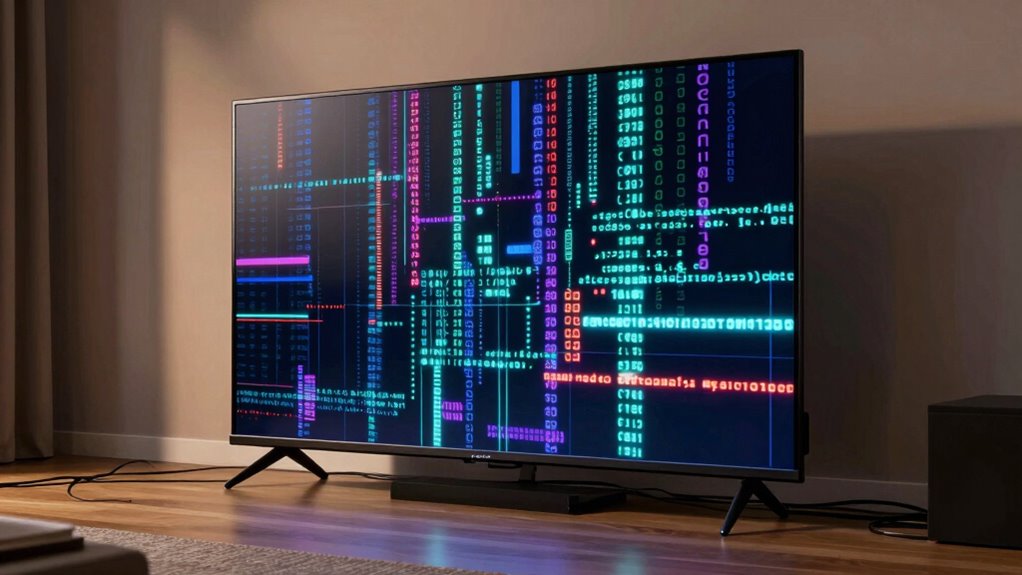
As smart TVs become more integrated into daily life, they present an attractive target for malware developers. Many devices rely on vulnerable software, which often goes unpatched due to infrequent updates. This creates gaps in security that malicious actors exploit.
Additionally, smart TVs usually maintain persistent network connectivity, allowing them to connect to the internet for streaming and updates. This constant connection increases their exposure to threats.
Users often underestimate the risks, assuming their smart TVs are safe. However, without robust security measures, these devices can serve as gateways for unauthorized access to your home network, potentially compromising personal data.
Smart TVs may seem harmless, but lacking security can expose your home network to serious risks.
Understanding these vulnerabilities is essential in safeguarding your digital freedom and ensuring your smart TV doesn’t become a vector for malware.
Signs of Malware Infection on Your Smart TV
If your smart TV’s remote control becomes unresponsive, it could signal a malware infection.
Additionally, you might notice unusual pop-up messages that disrupt your viewing experience, further indicating potential compromise.
Recognizing these signs early is essential for maintaining the security of your device.
Unresponsive Remote Control
When your smart TV’s remote control becomes unresponsive, it’s not just an inconvenience; it can signal a potential malware infection. You might initially suspect remote control issues, but the underlying cause could be more sinister.
Malware can hijack your TV’s system, impairing smart TV responsiveness and rendering your remote ineffective. This interference often manifests as lagging commands or total unresponsiveness. If you’re experiencing these symptoms, consider the possibility of malicious software exploiting vulnerabilities within your device.
Regular firmware updates are crucial, as they patch security flaws that malware can exploit. Additionally, monitor your TV’s performance; if remote control issues persist, it’s time to investigate further and verify your freedom in using technology isn’t hindered by unseen threats.
Unusual Pop-Up Messages
Unusual pop-up messages can disrupt your viewing experience and serve as a clear indicator of a malware infection on your smart TV.
These messages may appear unexpectedly, often promoting dubious software or services, which can exploit smart TV vulnerabilities. If you notice frequent or irrelevant alerts, it’s a sign that malicious software could be manipulating your system.
Cybercriminals often use these pop-ups to phish for personal information or redirect you to harmful websites. Keeping your smart TV’s firmware updated and employing robust security settings can mitigate these risks.
Be vigilant; unusual pop-up messages aren’t just annoying—they’re a potential gateway for attackers looking to compromise your privacy and control over your device.
Common Types of Malware Affecting Smart TVs
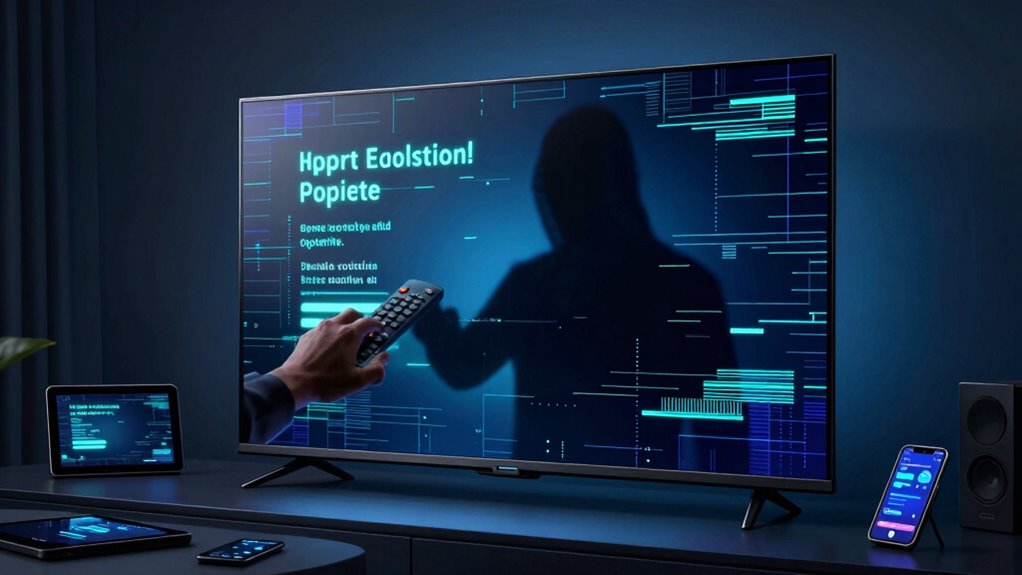
When it comes to malware affecting smart TVs, adware and spyware are among the most prevalent threats you might encounter.
These types of malware can track your viewing habits and compromise your privacy, often leading to unwanted advertisements and data breaches.
Additionally, ransomware poses a significant risk by locking you out of your device, demanding payment to regain access to your content.
Adware And Spyware
Adware and spyware represent two prevalent forms of malware that can compromise the functionality and security of smart TVs.
Adware threats bombard you with unwanted advertisements, often hijacking your viewing experience and slowing down device performance. This software often infiltrates through free apps and software, disguising itself as legitimate content.
In contrast, spyware tactics focus on stealth, gathering sensitive data without your knowledge. It can track your viewing habits, personal information, and even login credentials, undermining your privacy.
Both types of malware can lead to unauthorized access and exploitation of your data, making it essential to safeguard your smart TV with robust security measures and to remain vigilant about the sources of your applications.
Ransomware Threats
While adware and spyware can disrupt your smart TV experience, ransomware poses a far more severe threat by locking you out of your device and demanding payment to regain access.
Ransomware attacks exploit vulnerabilities in your smart TV’s software, often using sophisticated encryption methods to render your files and settings inaccessible. These attacks can occur through malicious apps or phishing attempts, making it vital to remain vigilant.
Once infected, you’ll face a ransom note instructing you to pay, usually in cryptocurrency, to regain access to your device.
To safeguard your freedom, regularly update your firmware, avoid suspicious links, and employ robust security measures. Staying informed about potential threats is essential to maintain control over your smart TV environment.
What Are the Dangers of Smart TV Malware?
As smart TVs become integral to our daily entertainment, the dangers posed by malware targeting these devices escalate. The consequences of malware can be severe, affecting both your device’s functionality and your personal security.
When malware infiltrates your smart TV, it can lead to privacy invasion, allowing hackers to access sensitive information, track your viewing habits, or even control your camera and microphone. This not only compromises your personal data but also creates a vulnerability that could extend to other connected devices in your home.
Additionally, the potential for financial loss increases as cybercriminals exploit these weaknesses. Understanding these threats is vital for maintaining your freedom and security in an increasingly interconnected world.
Safeguarding your smart TV is essential to protect against these dangers.
How Hackers Exploit Smart TVs
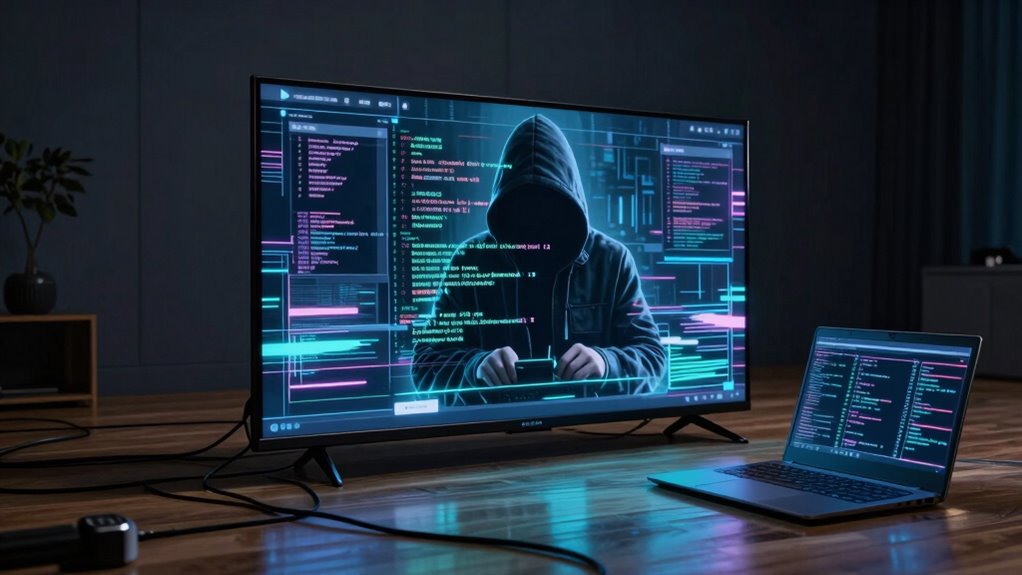
Hackers exploit smart TVs through various vulnerabilities inherent in their software and network connections. By leveraging these security vulnerabilities, they employ several hacking techniques to gain unauthorized access.
Here are four common methods:
- Malicious Apps: Installing rogue applications that appear legitimate but contain malware.
- Network Snooping: Intercepting unsecured Wi-Fi signals to gather sensitive data.
- Firmware Exploits: Taking advantage of outdated firmware to inject harmful code.
- Default Passwords: Using factory-set passwords to bypass security measures easily.
Each of these tactics demonstrates how hackers can manipulate smart TVs for malicious purposes.
Best Practices for Securing Your Smart TV
Securing your smart TV is essential to protect your personal data and maintain privacy, especially given the increasing sophistication of cyber threats.
Start by ensuring robust network security; use a strong, unique password for your Wi-Fi and consider segmenting your network to isolate your smart TV from other devices.
Next, focus on firmware protection—regularly check for updates from the manufacturer to patch vulnerabilities.
Disable features like remote access and voice recognition if you don’t use them, as these can serve as potential entry points for hackers.
Additionally, be cautious about the apps you install; only download from trusted sources.
How Software Updates Enhance Smart TV Security
While many users overlook the importance of software updates, they play a crucial role in enhancing smart TV security. Regularly applying these updates guarantees your device isn’t an easy target for malware.
Here’s how security patches and firmware upgrades contribute:
- Vulnerability Fixes: They address known weaknesses in your TV’s operating system.
- New Features: Firmware upgrades can add enhanced security functionalities.
- Performance Improvements: Updates can optimize the system, making it harder for malware to exploit.
- User Privacy Enhancements: Software updates often include features that enhance your data protection.
What Privacy Risks Do Smart TVs Pose?
How aware are you of the privacy risks that come with owning a smart TV? Smart TVs, while offering advanced features, pose significant privacy concerns. They often engage in data collection and user tracking, which can expose your viewing habits. The device permissions required for smart features can inadvertently compromise your privacy, especially with inadequate privacy settings. Additionally, the internet connectivity of these devices increases network exposure, making them vulnerable to security breaches. Manufacturers’ policies may not prioritize your data’s protection, leaving you at risk. Regular firmware updates are essential but may not always address all security vulnerabilities.
| Privacy Risks | Implications | Recommendations |
|---|---|---|
| Data Collection | Tracking viewing habits | Adjust privacy settings |
| User Tracking | Personalized ads | Limit device permissions |
| Network Exposure | Security vulnerabilities | Regular firmware updates |
| Inadequate Policies | Data misuse | Research manufacturer policies |
| Smart Features | Increased data access | Disable unused features |
What to Do If Your Smart TV Is Compromised?
If you’ve noticed unusual behavior from your smart TV, such as unexpected pop-ups or changes in settings, it’s vital to act quickly to mitigate potential risks.
Here’s a concise action plan for smart TV security:
Here’s a quick guide to enhance your smart TV security and protect against potential threats.
- Disconnect from the Internet – This isolates your device, preventing further malware spread.
- Reset to Factory Settings – Erase any potentially harmful applications or settings.
- Update Firmware – Confirm your TV’s software is current to close vulnerabilities.
- Implement Malware Prevention Tools – Use reputable security software designed for smart devices.
Taking these steps not only helps restore functionality but also enhances your smart TV’s resilience against future threats.
Frequently Asked Questions
Can Malware Affect Streaming Apps on My Smart TV?
Yes, malware can exploit streaming vulnerabilities in your smart TV. By manipulating app permissions, malicious software may access personal data or disrupt your streaming experience. Stay vigilant and regularly update your device to mitigate these risks.
Do Smart TVS Have Built-In Antivirus Protection?
You can’t keep a good thing down, but smart TVs usually lack built-in antivirus software. Regular security updates are essential; without them, you’re vulnerable. Prioritize installing trusted apps and maintaining your device’s firmware for better protection.
How Can I Check My Smart Tv’s Security Settings?
To check your smart TV’s security settings, navigate to the user settings menu. Look for security features like firewalls, app permissions, and update options. Regularly review these settings to enhance your device’s overall security.
Are Newer Smart TV Models More Secure Against Malware?
Newer smart TV models tend to be more fortified against malware, thanks to improved security features and regular firmware updates. However, smart TV vulnerabilities still exist, so staying vigilant is key to maintaining your digital freedom.
Can a Smart TV Spread Malware to Other Devices?
Yes, a smart TV can spread malware to other devices via device connectivity. If it’s compromised, network vulnerabilities can allow malicious software to infiltrate connected devices, compromising your entire home network’s security and privacy.