
You might think of printers as harmless office equipment, but they can be silent gateways to serious security issues. Often overlooked, these devices harbor vulnerabilities that cybercriminals exploit. From outdated firmware to default passwords, your printer could be an easy target. Understanding these risks is essential, especially when sensitive information is at stake. So, what steps can you take to safeguard this overlooked aspect of your network?
Understanding Printer Security Risks
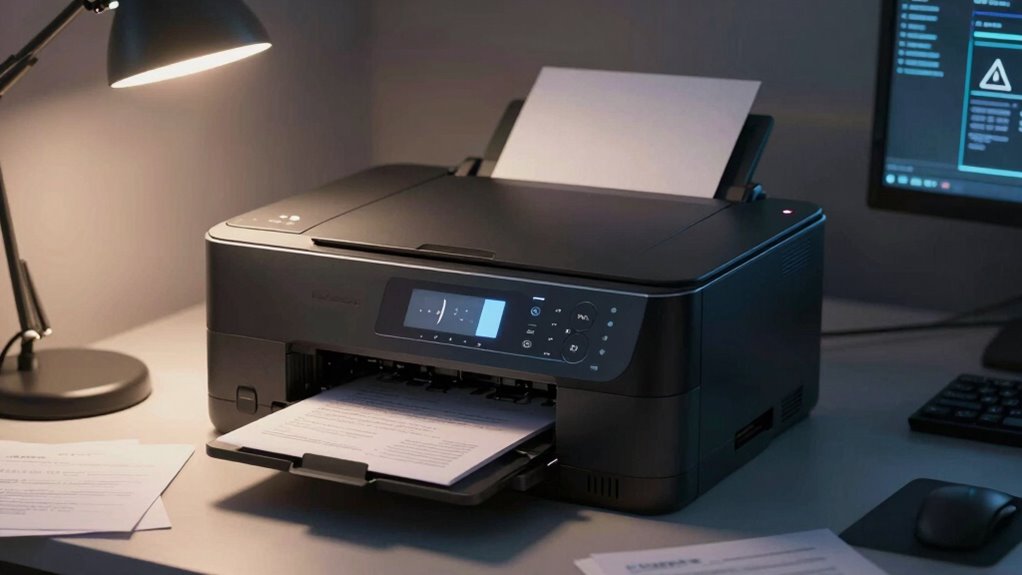
As organizations increasingly rely on networked printers for daily operations, understanding printer security risks becomes essential.
Network exposure can leave your printers vulnerable to unauthorized access, where malicious actors may exploit weaknesses to intercept printer data. This data often includes sensitive information, such as personal identifiers or confidential documents.
Even seemingly innocuous printers can serve as entry points for larger network breaches. Consequently, it’s vital to implement robust security measures, including regular firmware updates, secure network configurations, and restricted access controls.
Seemingly harmless printers can become gateways for network breaches, highlighting the need for strong security measures.
By proactively addressing these risks, you can safeguard your printer data and reinforce your organization’s overall cybersecurity posture.
Common Printer Security Vulnerabilities
Even with an understanding of printer security risks, many organizations overlook specific vulnerabilities that can compromise their devices. One common issue is outdated printer firmware. Failing to regularly update this software can leave your printer exposed to known exploits.
Additionally, improper network configuration often creates entry points for unauthorized access. For instance, using default passwords or unsecured Wi-Fi can make it easy for intruders to infiltrate your network.
Moreover, many printers store sensitive data in their hard drives, which can be accessed if not properly secured. By addressing these vulnerabilities, you can greatly enhance your printer’s security posture.
It’s crucial to remain vigilant about firmware updates and verify your network configuration is robust and secure to protect your organization.
Why Are Printers a Target for Cybercriminals?
While many people consider computers and servers as prime targets for cybercriminals, printers often go unnoticed despite being equally vulnerable.
These devices possess significant printer vulnerabilities, such as outdated firmware and unsecured network connections, making them attractive to attackers. Cybercriminal tactics frequently exploit these weaknesses, allowing unauthorized access to sensitive documents and data.
Once compromised, printers can serve as entry points for broader network infiltration, enabling hackers to escalate their attack. In addition, printers often store copies of printed documents in their memory, providing an additional treasure trove of sensitive information.
Risks of Unsecured Printer Connections
When printers connect to unsecured networks, they become vulnerable entry points for cybercriminals seeking to exploit sensitive information.
Wireless risks escalate as these devices often lack proper authentication protocols, making them easy targets. Without encryption, data transmitted over the network can be intercepted, leading to unauthorized access to confidential documents and personal information.
Additionally, network exposure increases when printers are connected to public Wi-Fi, which is notoriously insecure. This lack of security invites malicious actors to infiltrate your network, potentially spreading malware.
You risk not just your sensitive data but also the integrity of your entire network. Addressing these vulnerabilities is essential for maintaining the freedom and security of your information in an increasingly connected world.
How to Secure Your Printer Against Vulnerabilities
To effectively secure your printer against vulnerabilities, it’s crucial to implement a multi-layered approach that addresses both physical and digital security measures.
Start by changing the default printer passwords; this simple step can prevent unauthorized access. Next, regularly check for firmware updates from the manufacturer. These updates often contain critical patches that fix known vulnerabilities.
Additionally, consider connecting your printer to a secure network, using a VPN if possible, to encrypt data transmission. Disable unused protocols like FTP or Telnet, which can be exploited.
Finally, physically secure your printer in a controlled environment to limit access. By proactively adopting these measures, you’ll greatly reduce the risk of your printer being compromised and safeguard sensitive information.
What to Do If Your Printer Has Been Compromised
If you suspect your printer has been compromised, acting swiftly is crucial to minimize potential damage. Start with a printer reset to clear any unauthorized configurations. This basic step can often disrupt malicious activities.
Next, check for firmware updates; manufacturers frequently release patches to address vulnerabilities. Verify your printer’s software is up to date, as outdated firmware can leave it exposed to further attacks.
Check for firmware updates regularly; manufacturers release patches to fix vulnerabilities and keep your printer secure from potential attacks.
After these actions, change any administrative passwords and restrict network access to the printer. Consider monitoring network traffic to detect any suspicious activity.
If the compromise seems severe, consult a professional for a thorough security audit. By taking these steps, you regain control, reinforcing your device’s security and safeguarding your freedom from potential breaches.
Frequently Asked Questions
Can Printer Firmware Updates Enhance Security Measures?
Yes, printer firmware updates can enhance security measures. They address firmware vulnerabilities by providing critical security patches, ensuring your device remains resilient against threats, thereby safeguarding your network and maintaining your freedom from potential breaches.
How Do I Identify Printer Security Threats?
Identifying printer security threats is essential, like finding a needle in a haystack. You’ll need to analyze printer vulnerabilities, perform regular threat detection scans, and monitor unusual activity to safeguard your network effectively.
Are All Printers Equally Vulnerable to Attacks?
Not all printers are equally vulnerable to attacks. Different printer types exhibit varying vulnerability levels based on their firmware, network capabilities, and security features. Evaluating these factors helps you understand your specific risks and protect your environment.
What Role Do Network Settings Play in Printer Security?
Network settings act like a fortress for your printer. Proper network configurations and secure protocols guarantee that only trusted users access it, minimizing vulnerabilities and keeping your data safe from prying eyes in the digital wilderness.
How Can I Educate My Team About Printer Security Risks?
To educate your team about printer security risks, implement thorough printer training sessions that emphasize security awareness. Use real-world examples, encourage discussions, and provide resources to empower them in identifying and mitigating these vulnerabilities effectively.