In today’s digital landscape, securing your work-from-home environment isn’t just a precaution—it’s a necessity. As remote work becomes the norm, vulnerabilities increase, exposing sensitive information to various cyber threats. You need to understand the common risks and implement effective strategies to protect your digital assets. What tools and practices can you adopt to guarantee your remote work setup remains secure? The answer lies in an all-encompassing approach to cybersecurity.
Why Securing Remote Work Is Essential
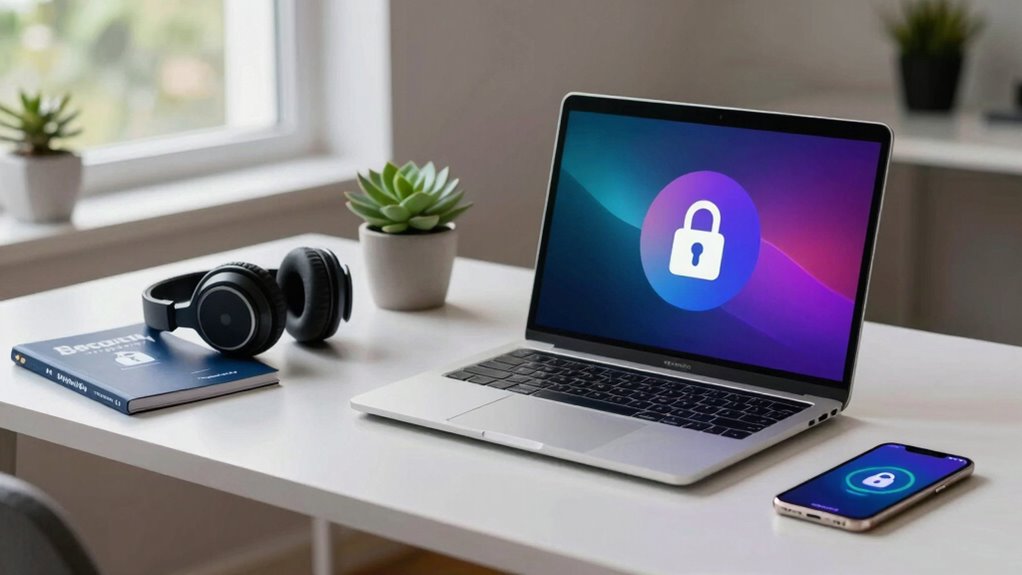
As remote work becomes increasingly common, securing these environments is crucial to protect sensitive data and maintain organizational integrity.
You must recognize that data privacy isn’t just a legal requirement; it’s a cornerstone of trust in your digital interactions. Implementing robust security measures, such as end-to-end encryption and multi-factor authentication, can greatly mitigate risks associated with remote work.
Additionally, incorporating regular security training for employees fosters a culture of vigilance and accountability. You can’t overlook the role of secure connectivity; utilizing virtual private networks (VPNs) guarantees that your data remains protected from unauthorized access.
Ultimately, prioritizing the security of your remote work environment safeguards not only individual privacy but also the broader organizational framework essential for operational success.
Common Cyber Threats Facing Remote Workers
While traversing the complexities of remote work, you face a myriad of cyber threats that can compromise both personal and organizational security.
Phishing scams frequently target remote workers, tricking you into revealing sensitive information. Ransomware attacks pose a significant risk, encrypting your data and demanding payment for its release.
Utilizing unsecured networks can expose you to malware threats, jeopardizing both your devices and corporate resources. Additionally, social engineering tactics exploit human psychology, leading to unintentional security breaches.
Insider risks also linger, as disgruntled employees may misuse access to sensitive information. To maintain your freedom while working remotely, you must remain vigilant against these threats, reinforcing your cybersecurity posture with proactive measures and awareness.
Essential Tools for Work-from-Home Security
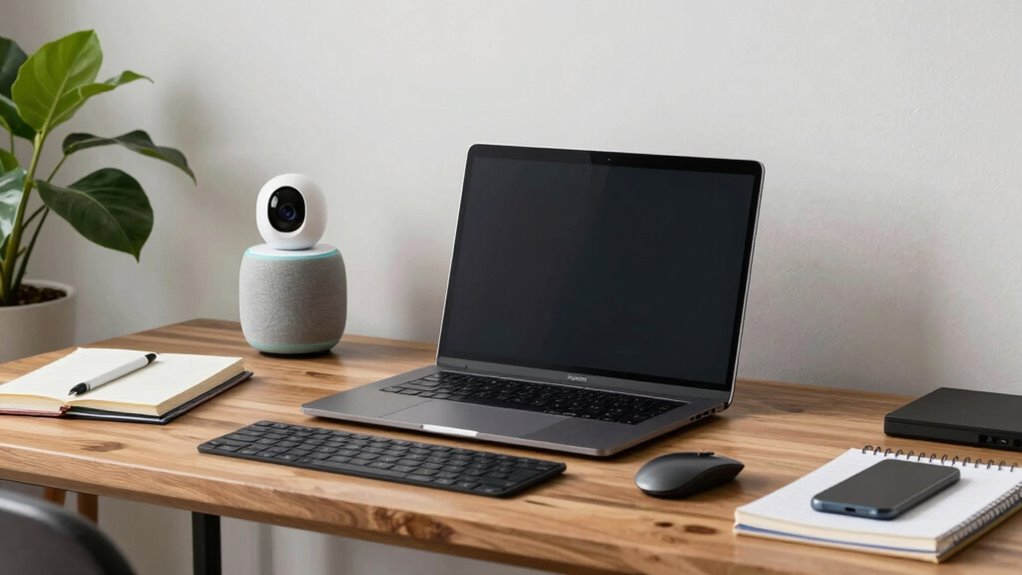
To effectively combat the cyber threats faced by remote workers, implementing the right tools for securing your work-from-home environment is crucial.
Start with VPN services to encrypt your internet connection, guaranteeing privacy while accessing corporate networks. Use password managers to create and store complex passwords securely.
Endpoint protection safeguards devices from malware and threats. Data encryption protects sensitive information, making it unreadable without proper access.
For collaboration, opt for secure file sharing solutions to prevent data leaks. Remote desktop applications allow secure access to office resources while maintaining security protocols.
Regular network monitoring helps detect unusual activity, and conducting security assessments guarantees your defenses remain robust against evolving threats.
Equip yourself with these tools for a secure remote work experience.
Top Strategies for Securing Your Home Network
Securing your home network is essential for protecting sensitive data and guaranteeing a safe remote work environment.
Start by implementing robust network encryption protocols such as WPA3 to safeguard your Wi-Fi connection. This prevents unauthorized access and keeps your data secure.
Implementing WPA3 encryption is crucial for securing your Wi-Fi and protecting sensitive data from unauthorized access.
Next, carefully configure your firewall settings to block unsolicited inbound traffic while allowing necessary outbound connections.
Regularly update your router’s firmware to patch vulnerabilities and enhance security features.
Finally, consider disabling remote management features unless absolutely necessary, as they can be exploited by attackers.
These strategies will greatly reduce the risk of data breaches and guarantee a secure workspace that aligns with your pursuit of freedom and privacy in your digital life.
The Importance of Multi-Factor Authentication
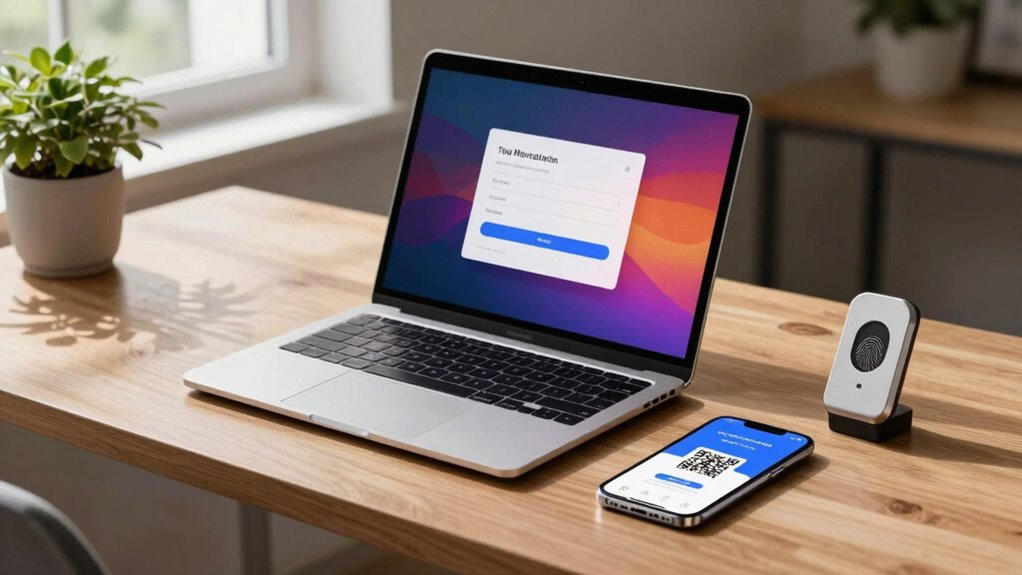
Implementing multi-factor authentication (MFA) is vital for enhancing the security of your remote work environment, especially as cyber threats continue to evolve.
MFA markedly reduces the risk of unauthorized access by requiring multiple verification methods, such as passwords and biometric data. The multi-factor benefits include increased security, reduced fraud, and improved compliance with regulations.
However, you may face implementation challenges, such as user resistance, integration with existing systems, and the need for ongoing support. To overcome these hurdles, it’s important to communicate the significance of MFA clearly and provide adequate training.
How to Train Employees on Cybersecurity Awareness
While many employees may underestimate the importance of cybersecurity, effective training is essential to mitigate risks in a work-from-home environment.
To foster a culture of security awareness, implement engaging cybersecurity training that resonates with your team. Start by identifying common threats, like phishing and malware, and demonstrate real-life scenarios they may encounter.
Fostering security awareness starts with engaging training that highlights real threats like phishing and malware.
Use interactive modules or gamified elements to boost employee engagement and retention of critical information. Regularly update training materials to reflect evolving threats, ensuring your team stays informed.
Encourage open discussions about cybersecurity practices, allowing employees to share experiences and strategies. By prioritizing thorough training, you empower your workforce to recognize vulnerabilities, ultimately safeguarding both personal and organizational data in a digital landscape.
Developing a Strong Remote Work Security Policy
To effectively safeguard sensitive information in a remote work environment, crafting a robust security policy is vital.
Start by establishing clear remote policy guidelines that address data protection, access controls, and device security. These guidelines should include protocols for using personal devices, securing home networks, and handling sensitive information.
Make sure your policy encourages employee compliance by incorporating regular training sessions and assessments to keep everyone informed and engaged. It’s important to outline consequences for non-compliance, as accountability fosters a culture of security.
Additionally, facilitate open communication channels for reporting security incidents. By creating a strong security policy, you empower your team to work freely while protecting sensitive data effectively.
Keeping Security Measures Up-to-Date
To maintain a robust security posture while working from home, you must prioritize regular software updates and effective patch management practices.
These actions mitigate vulnerabilities that cybercriminals often exploit. Staying current not only protects your devices but also safeguards sensitive company data.
Regular Software Updates
Ensuring your software is regularly updated is essential for maintaining a secure work-from-home environment. Regular updates help mitigate software vulnerabilities that cybercriminals exploit. When you neglect updates, you leave your system open to attacks that could compromise your data and privacy.
| Vulnerability Type | Impact Level |
|---|---|
| High | Immediate threat |
| Medium | Potential breach |
| Low | Minimal risk |
Patch Management Practices
Regular software updates form the foundation of a robust security posture, but without effective patch management practices, vulnerabilities can still slip through the cracks.
To maintain your digital freedom, establish a systematic approach to patch deployment. Prioritize vulnerabilities identified through thorough vulnerability assessments, ensuring that critical patches are applied promptly.
Automate the patch management process where possible to reduce the risk of human error and streamline updates across devices. Regularly review your patch management policy and adapt it to emerging threats.
Staying informed about the latest security advisories can further enhance your defense strategy. By integrating these practices, you’ll reinforce your work-from-home security and minimize potential breaches, empowering you to navigate your digital environment confidently.
Frequently Asked Questions
What Should I Do if My Device Gets Compromised?
If your device gets compromised, initiate your incident response plan immediately. Disconnect from the network, assess the breach, and prioritize device recovery by restoring from backups or resetting your device to guarantee security and data integrity.
Can I Use Public Wi-Fi Securely for Work?
You can use public Wi-Fi securely for work by employing a VPN. This enhances Wi-Fi security, encrypting your data and protecting your online activities from potential threats. Always prioritize your privacy and safety when connecting.
How Often Should I Change My Passwords?
You should change your passwords every three to six months. Implementing password management tools and adhering to security best practices helps maintain your digital freedom while minimizing the risk of unauthorized access to your accounts.
Are Personal Devices Safe for Work-Related Tasks?
About 60% of remote workers use personal devices for work. While convenient, device security can be compromised, making remote access risky. Always guarantee your personal devices have updated security measures for safe work-related tasks.
What Are the Signs of a Phishing Attempt?
You’ll notice email red flags like poor grammar, suspicious links, or urgent requests for personal info. Be wary of social engineering tactics that exploit emotions, aiming to deceive you into revealing sensitive information. Stay vigilant!