
Setting up a secure guest network for your smart home devices is vital to protect your personal data and maintain system integrity. By isolating guest devices from your main network, you minimize the risk of unauthorized access and potential vulnerabilities. This process involves configuring your router’s settings, but it’s important to understand the underlying principles of network security. To effectively safeguard your smart home, you’ll need to take into account specific steps and best practices.
Key Takeaways
- Access your router’s admin panel and enable the guest network feature with a unique SSID and password to isolate guest devices.
- Configure access restrictions to limit guest connectivity to your main network and prevent access to critical smart home systems.
- Use WPA3 encryption for secure data transmission and create a strong, unique password for your guest network.
- Set time restrictions and monitor guest network activity to manage access duration and detect any unauthorized behavior.
- Regularly update your router’s firmware and implement Quality of Service (QoS) settings to ensure optimal performance and compatibility.
How a Guest Network Protects Your Smart Home Devices
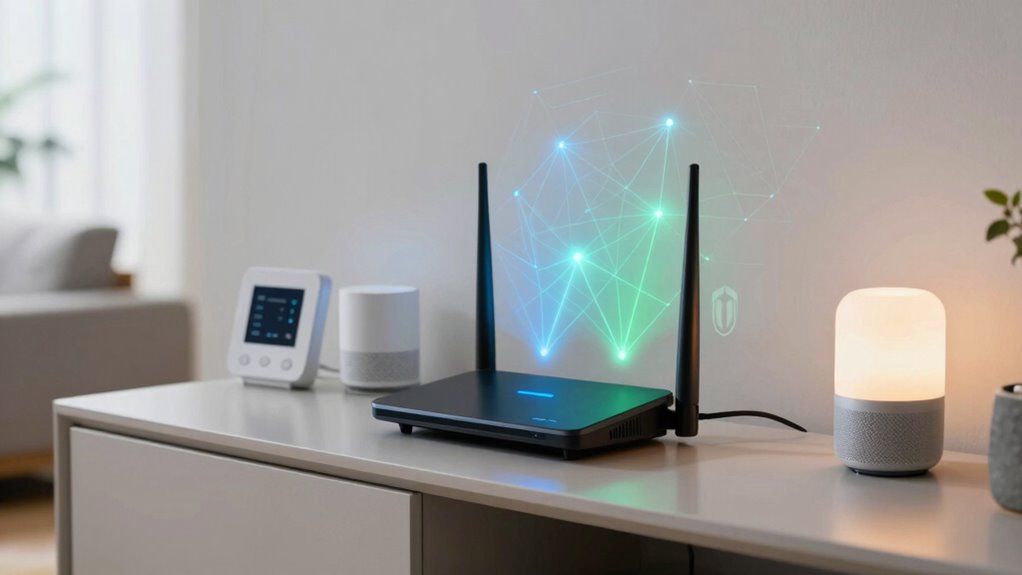
When you set up a guest network, you’re not just expanding Wi-Fi access; you’re also creating an essential barrier that safeguards your smart home devices from potential threats.
By isolating guest devices on a separate network, you enhance guest privacy while protecting critical systems from unauthorized access. This device isolation prevents guests from interacting with your smart home equipment, which could otherwise expose vulnerabilities.
As individuals connect to your guest network, they can’t access sensitive data or control devices like cameras and smart locks. This layered security approach fortifies your home network, ensuring that your personal information remains confidential.
Ultimately, a well-configured guest network empowers you to maintain freedom over your smart home ecosystem while providing safe access for visitors.
Steps to Create a Guest Network on Your Router
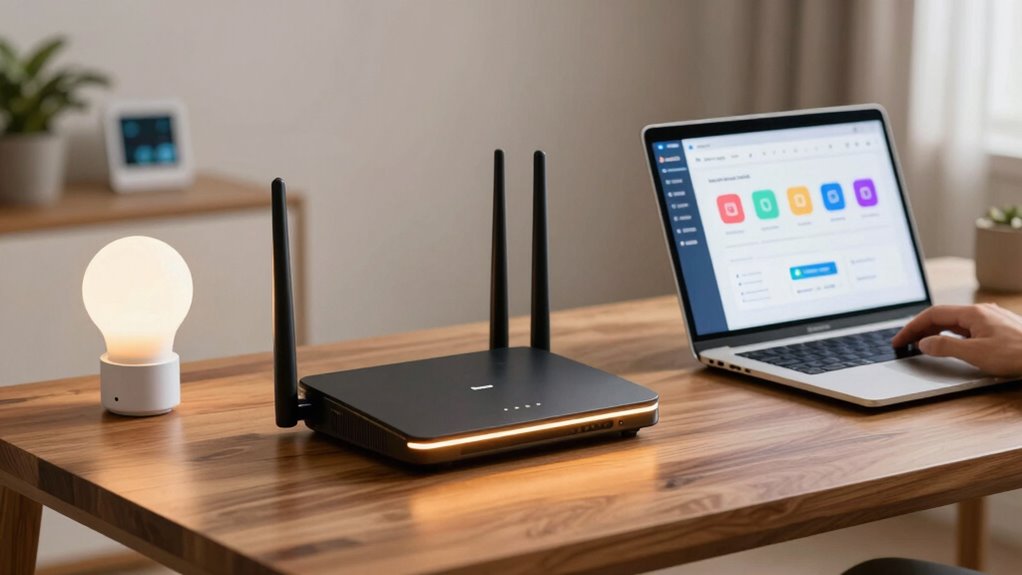
Creating a guest network on your router typically involves just a few straightforward steps that can greatly enhance your home network’s security.
Creating a guest network is a simple yet effective way to boost your home network’s security.
By isolating guest devices, you protect your primary network from potential threats.
Follow these steps for effective network configuration:
- Access your router’s admin panel via a web browser.
- Navigate to the “Guest Network” section in the settings.
- Enable the guest network option and set a unique SSID and password.
- Configure access restrictions to limit guest device connectivity to your main network and shared files.
Essential Security Tips for Your Guest Network
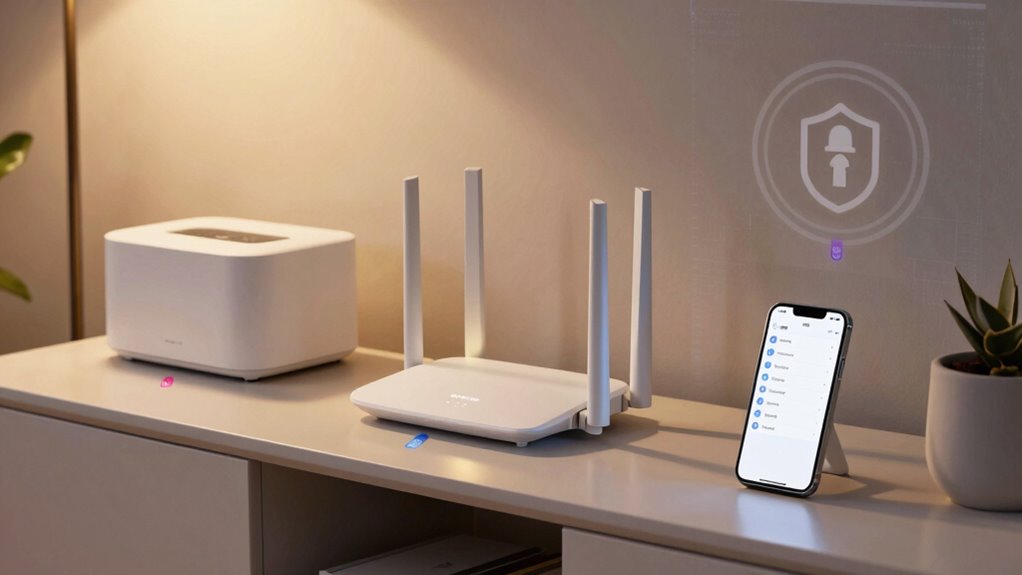
While your guest network offers a convenient way for visitors to access the internet, implementing crucial security measures is essential to safeguard your primary network.
Start by enabling network encryption, such as WPA3, to guarantee that data transmitted over the network is secure. This prevents unauthorized access and protects both your devices and personal information.
Next, focus on password management; create a strong, unique password for your guest network, and change it regularly to deter potential breaches. Avoid using easily guessable passwords and consider utilizing a password manager for enhanced security.
Monitor connected devices periodically to identify any unauthorized access. By prioritizing these crucial security tips, you can enjoy the freedom of a guest network without compromising your overall security.
Manage Guest Access With Time Limits and Restrictions
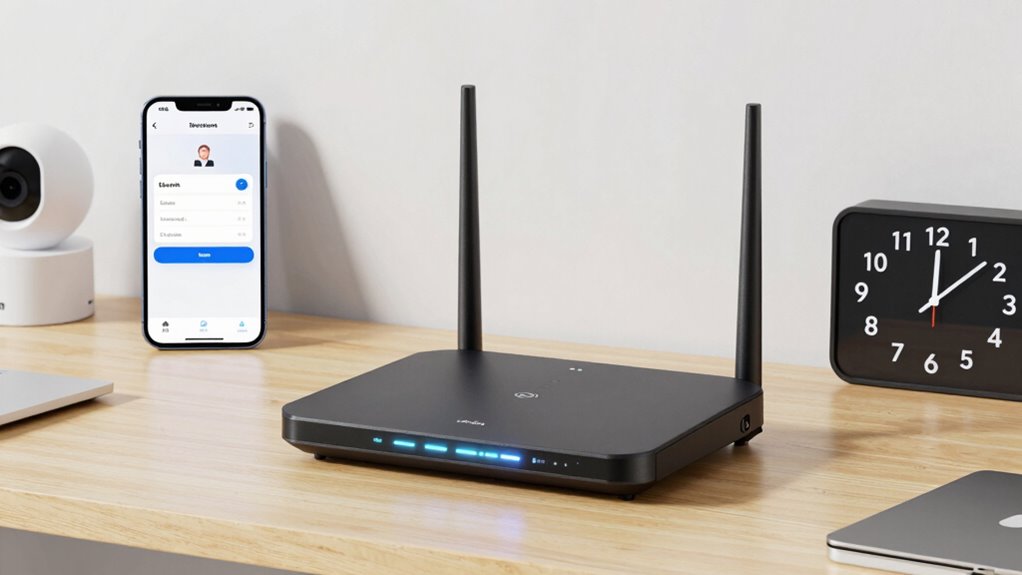
Implementing time limits and access restrictions on your guest network enhances security by controlling how long visitors can connect and what they can access.
To effectively manage guest access, consider these strategies:
- Set Time Restrictions: Define specific hours when guests can use the network, limiting their access during off-hours.
- Utilize Access Controls: Restrict access to only essential devices and services, minimizing potential vulnerabilities.
- Create Temporary Passwords: Generate unique passwords for each visit, expiring automatically after the designated time.
- Monitor Usage: Track guest network activity to identify any unusual behavior or unauthorized attempts.
Common Guest Network Problems and Solutions
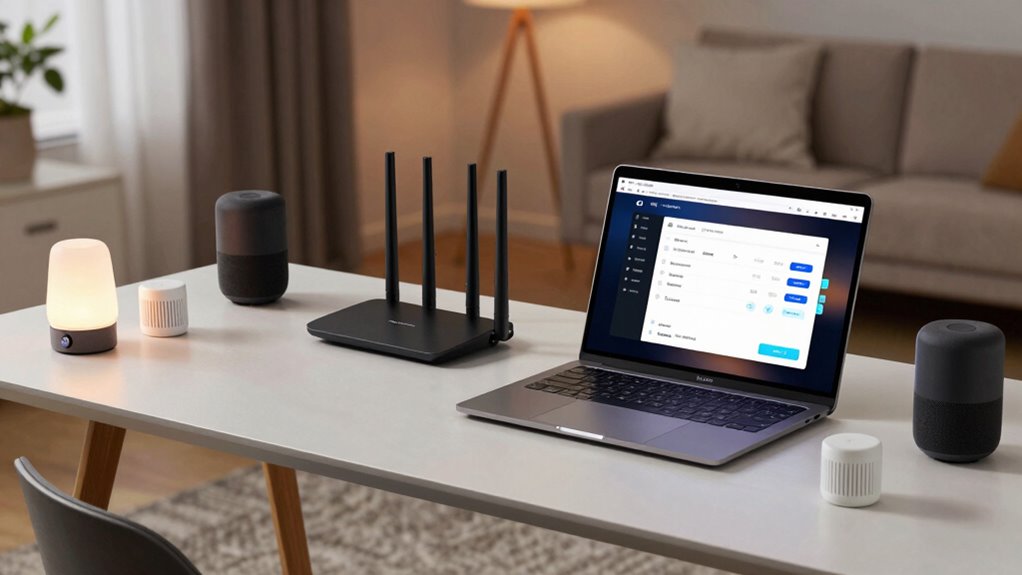
Even the most secure guest networks can encounter common issues that disrupt connectivity and compromise security.
One prevalent problem is guest device compatibility; not all devices can seamlessly connect to your network, leading to frustration. To mitigate this, make sure your guest network supports a wide range of protocols and standards.
Another issue is network speed problems, often caused by bandwidth limitations. If multiple guests are using high-bandwidth applications simultaneously, your network may slow down considerably.
To solve this, consider implementing Quality of Service (QoS) settings to prioritize essential traffic. Regularly updating your router’s firmware can also enhance performance.
Frequently Asked Questions
Can I Connect My Smart Devices to the Guest Network?
Yes, you can connect your smart devices to the guest network, provided they’re compatible. Make certain you implement network security measures to protect your main network, maintaining security while enjoying the freedom of smart technology.
How Many Devices Can Connect to a Guest Network?
A guest network typically supports a maximum of 30-50 connections, depending on your router’s network capacity. To guarantee peak performance, consider your devices’ bandwidth needs and avoid exceeding the recommended limits for smooth connectivity.
Will a Guest Network Slow Down My Main Network?
A guest network can slow down your main network if bandwidth allocation isn’t managed properly. However, network isolation helps minimize this effect, ensuring guests have limited access without greatly impacting your primary devices’ performance.
Can I Change the Guest Network Password Later?
Absolutely, you can change the guest network password later. Isn’t effective password management key to maintaining guest network security? Regular updates not only enhance security but also give you control over who accesses your network.
Do Guest Networks Support File Sharing Between Devices?
Guest networks typically impose limitations on file sharing between devices. They’re designed for security, restricting access to shared resources. You can still connect, but transferring files might not be feasible due to these constraints.